Teams
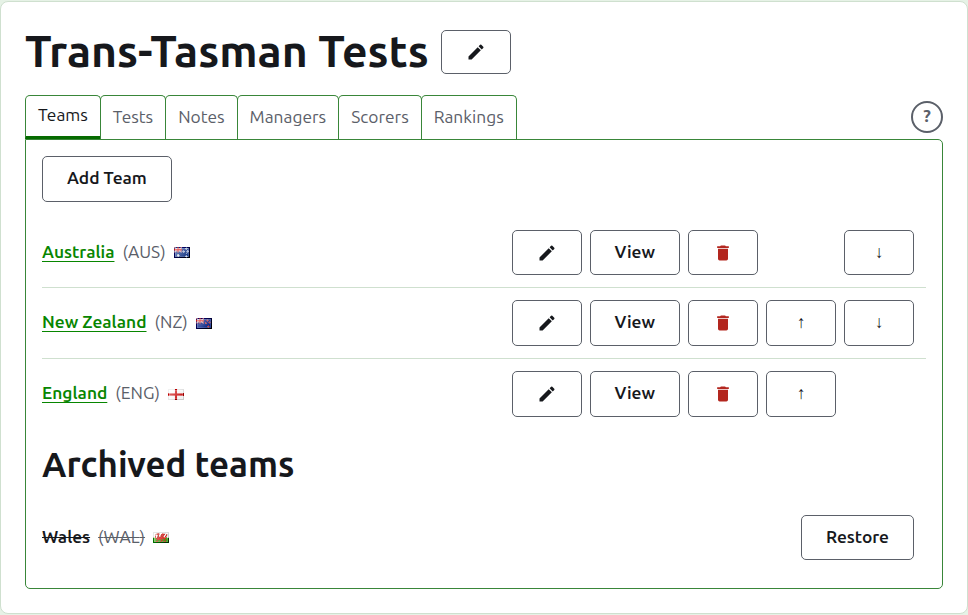
The Teams tab of a tournament's page is where its teams are added, corrected, put in order, and set aside. It is the tab the page opens on, since the teams are the first thing set up. A test is between two teams, so at least two are needed before any test can be added.
Adding a team
Press Add Team, above the list. A dialog opens over the page.
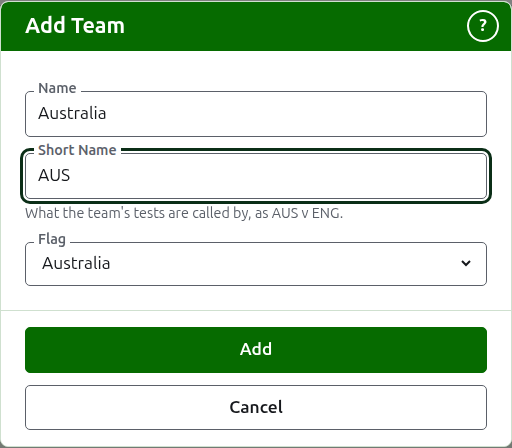
Name is required: the team's full name, as "Australia", which heads the team's page and the public pages' tables. Two teams in one tournament cannot have the same name.
Short Name is required too: what the team's tests are called by, as "AUS v ENG", and what the dark green bar calls the team. It is at most 10 characters, and no longer than the name, since a short name longer than the name it shortens is the two typed the wrong way round. Two teams cannot have the same short name either.
Flag is shown beside the team's name wherever it appears. It can be left as none, as for a team of a club or a region.
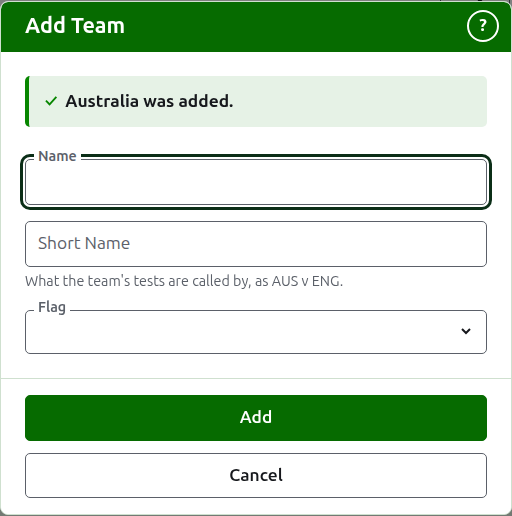
Press Add. The team is added, the dialog says so, and its fields are emptied for the next. Add the whole list this way, then press Cancel to close the dialog. Cancel keeps nothing that was not already added.
Correcting a team
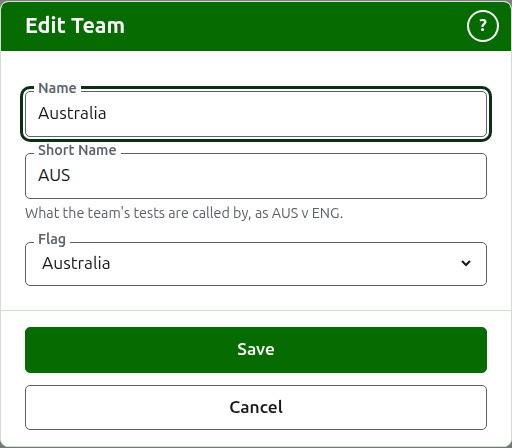
Press a team's Edit to open the same dialog on that team, titled Edit Team. Change what is wrong and press Save. A team whose short name changes is called by the new one everywhere, so its tests are renamed with it.
Order
The teams are listed in the tournament's order, which is the order they are offered in when a test is added, the order the dark green bar has them in, and the order the public Players page lists them in. Up and Down, the arrows at the end of each row, move a team one place.
Going to a team
A team's name, or View, opens the team's own page, where its players are entered. See A team's players.
Archiving a team
Archive sets a team aside. Its players stay with it and come back when it is restored, so archiving does not ask first. An archived team is listed under Archived teams, struck through, offers only Restore, and its page is closed until it is restored.
A team playing in a test in use cannot be archived, since the test would then be against a team that is no longer there, so such a team is not offered Archive. A team whose only tests are archived can be.
Next: A team's players.